All work
Quick notes in the macOS menu bar, one shortcut away.
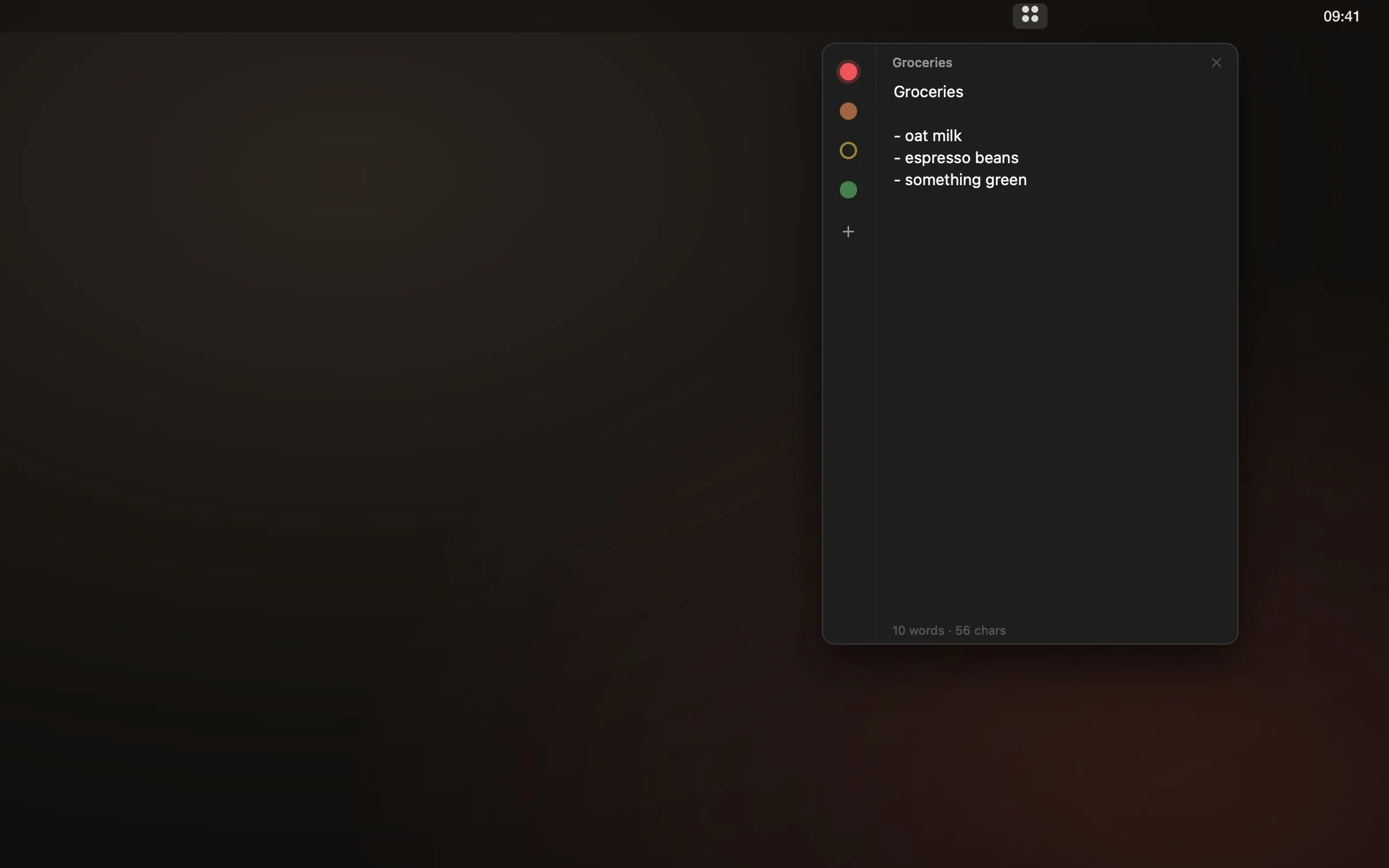
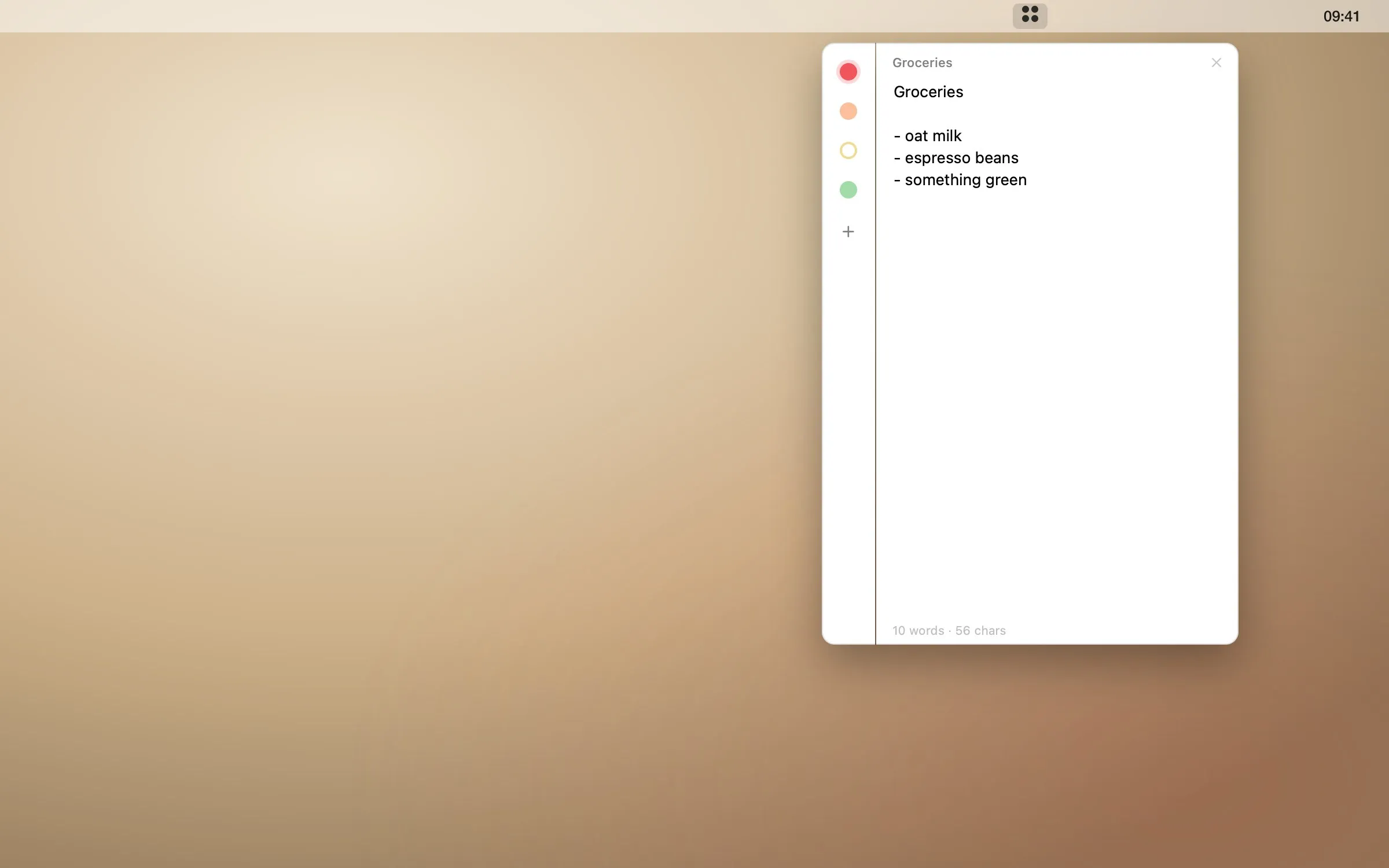
Jot something down without leaving what you are doing: ⌘⇧Y drops a panel from the menu bar, one coloured dot per note. Notes save themselves as you type.
Download Tqnote- Product
- Tqnote
- Period
- 2026
- Scope
- Product design, native Swift development
- Type
- Tranquilys product
Context
Most note apps want a window, a title, a folder. For a phone number or a thought in the middle of a call, that is too much ceremony.
What we did
- Native SwiftUI and AppKit menu bar app — no Electron, no web view
- Global shortcut ⌘⇧Y from any app, ⌘1…9 to switch notes
- Autosave while typing: nothing to name, nothing to press
- A companion Chrome extension sharing the same design and storage format
Outcome
- < 1 MB
- the whole app
- 0
- network access — notes never leave the Mac
- ⌘⇧Y
- from anywhere
Free download
Try it on your Mac.
Leave your email and the download starts right away. We will only write to you about Tqnote updates — never more than that, never passed on.
Download again
Unzip, move Tqnote to Applications and open it. The app is not notarised by Apple yet: on first launch, go to System Settings › Privacy & Security and click “Open Anyway”.
Privacy policy